Can I Automate WhatsApp Messages for Order Confirmations? A Complete Guide for Businesses
Can I Automate WhatsApp Messages for Order Confirmations?
The short answer is yes. Businesses can automate WhatsApp messages for order confirmations, shipping updates, delivery notifications, appointment reminders, and other transactional communications. With customers increasingly preferring instant messaging over email, WhatsApp has become one of the most effective channels for keeping customers informed.
In this guide, we’ll explain how WhatsApp order confirmation automation works, the benefits it offers, and what businesses need to get started.
Why Automate Order Confirmation Messages?
When a customer places an order, they expect immediate confirmation that the purchase was successful. Automated WhatsApp messages provide instant reassurance and improve the overall customer experience.
Some key benefits include:
1. Instant Customer Communication
Customers receive confirmation within seconds of completing their purchase, reducing uncertainty and increasing trust.
2. Higher Open Rates
WhatsApp messages typically achieve significantly higher open rates compared to traditional email communications, ensuring important order information is seen quickly.
3. Reduced Support Queries
Automated confirmations answer common questions such as:
- Was my order received?
- What is my order number?
- When will it be delivered?
- How can I track my order?
This reduces the workload on customer support teams.
4. Better Customer Experience
Timely updates help customers feel informed throughout their purchasing journey, leading to higher satisfaction and repeat business.
What Can Be Automated on WhatsApp?
Businesses can automate various transactional messages, including:
Order Confirmations
Example:
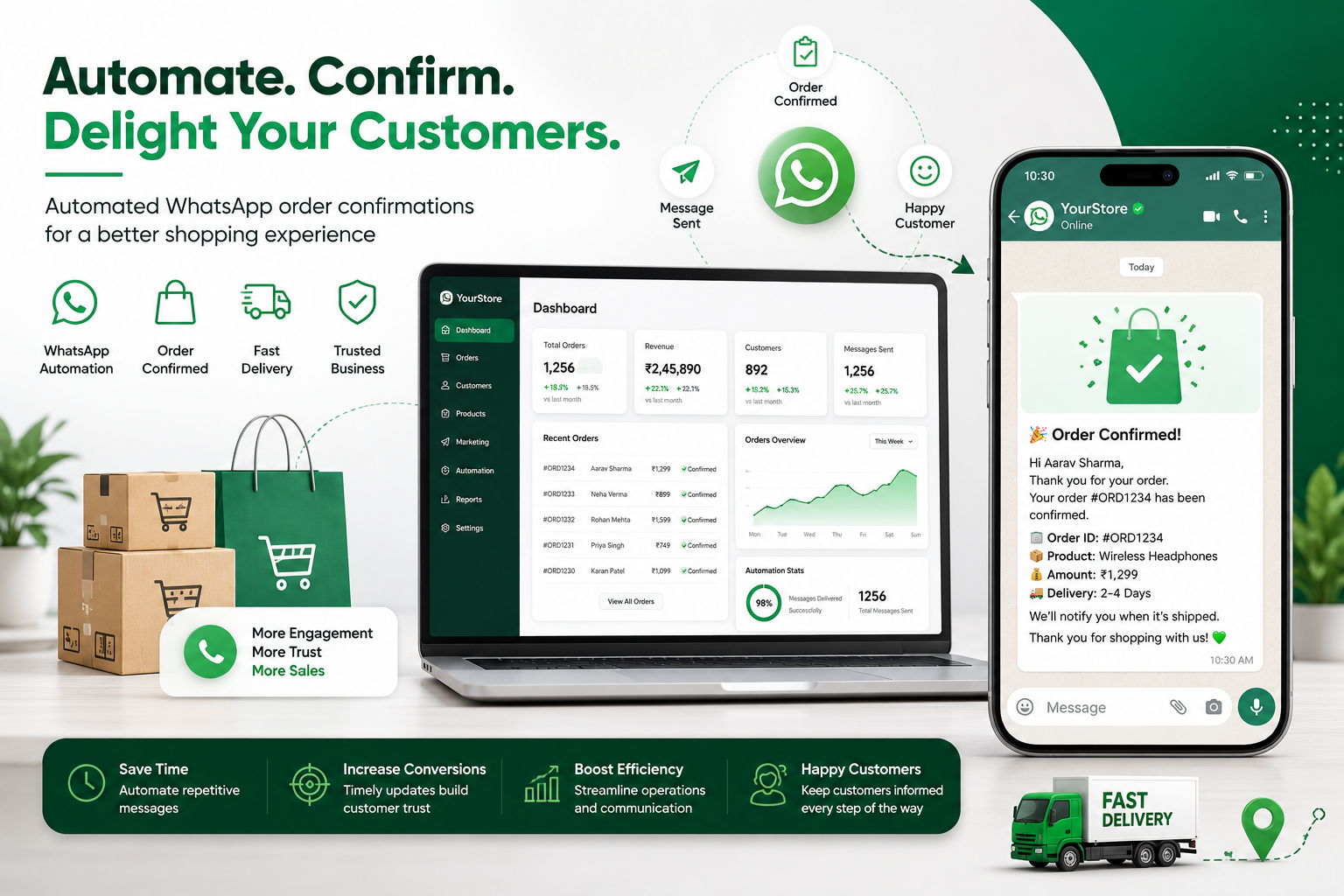
“Thank you for your order! Your order #12345 has been successfully placed. We’ll notify you once it ships.”
Shipping Notifications
“Good news! Your order #12345 has been shipped and is on its way.”
Delivery Updates
“Your package is out for delivery today.”
Payment Confirmations
“We have successfully received your payment for order #12345.”
Appointment Confirmations
“Your appointment has been confirmed for 10:00 AM on 15th June.”
How Does WhatsApp Automation Work?
WhatsApp automation typically works through the WhatsApp Business API, which connects your website, e-commerce platform, CRM, ERP, or order management system with WhatsApp.
The process usually follows these steps:
- Customer places an order.
- Order information is captured in your system.
- A predefined WhatsApp template is triggered automatically.
- The message is sent instantly to the customer’s WhatsApp number.
- Additional updates are sent as the order progresses.
This entire process can happen without manual intervention.
Is WhatsApp Automation Allowed?
Yes, WhatsApp allows businesses to send transactional messages through approved business accounts and API integrations.
However, businesses must:
- Obtain customer consent where required.
- Use approved message templates for outbound notifications.
- Follow WhatsApp Business policies.
- Ensure messages provide value to customers.
Transactional messages such as order confirmations and delivery updates are among the most common approved use cases.
Best Practices for Automated Order Confirmations
To maximize effectiveness:
Keep Messages Clear and Concise
Customers should immediately understand:
- Order status
- Order number
- Expected next steps
Include Relevant Information
Share details such as:
- Order ID
- Payment status
- Tracking link
- Customer support contact
Personalize Messages
Including the customer’s name can improve engagement and create a better experience.
Avoid Excessive Messaging
Only send updates when there is meaningful information to share.
Which Businesses Benefit Most?
WhatsApp order confirmation automation is valuable for:
- E-commerce stores
- Retail businesses
- Food delivery services
- Healthcare providers
- Educational institutions
- Travel agencies
- Service businesses
- Subscription-based companies
Any organization that handles bookings, appointments, orders, or transactions can benefit from automated WhatsApp notifications.
Getting Started with WhatsApp Automation
Businesses typically integrate WhatsApp with:
- Online stores
- CRM platforms
- ERP systems
- Booking systems
- Customer support platforms
The setup process involves configuring message templates, integrating business systems, and creating automated workflows that trigger messages based on customer actions.
Final Thoughts
Automating WhatsApp order confirmation messages is an effective way to improve customer communication, increase trust, and streamline operations. Customers receive real-time updates, businesses reduce support workload, and overall satisfaction improves.
As customer expectations continue to evolve, automated WhatsApp notifications have become an essential part of delivering a modern customer experience.
If your business processes orders, bookings, appointments, or transactions, implementing WhatsApp automation can help you communicate faster, more efficiently, and at scale.